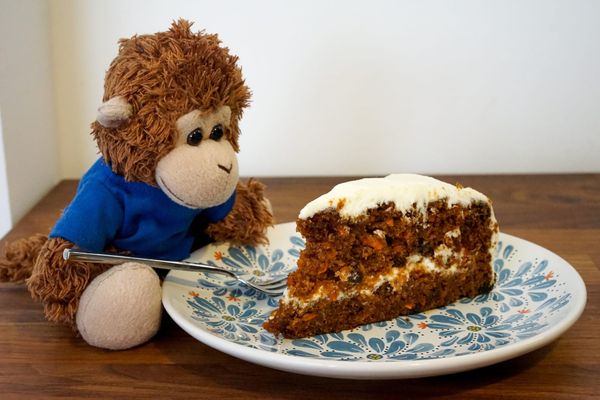
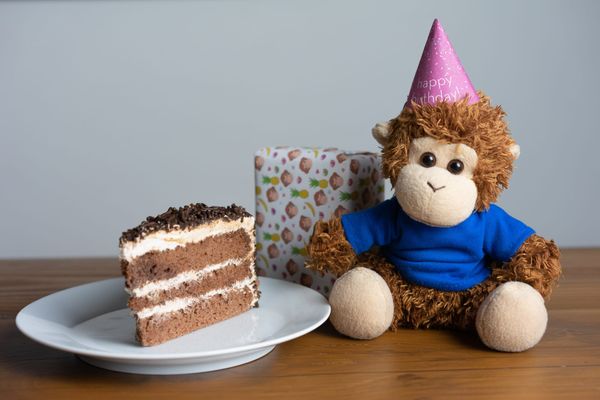
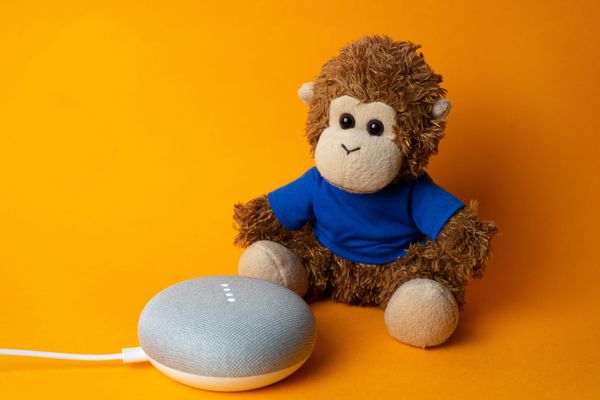
Yes, somehow it’s been fifteen years since we launched Remember The Milk! Amazingly, Bob T. Monkey hasn’t changed a bit. He celebrated our birthday over the weekend with a delicious slice of carrot cake (probably his second favorite baked good, after banana bread).
We want to say a
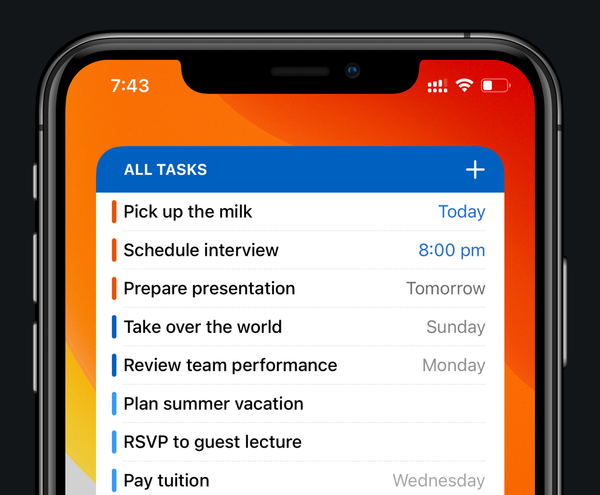
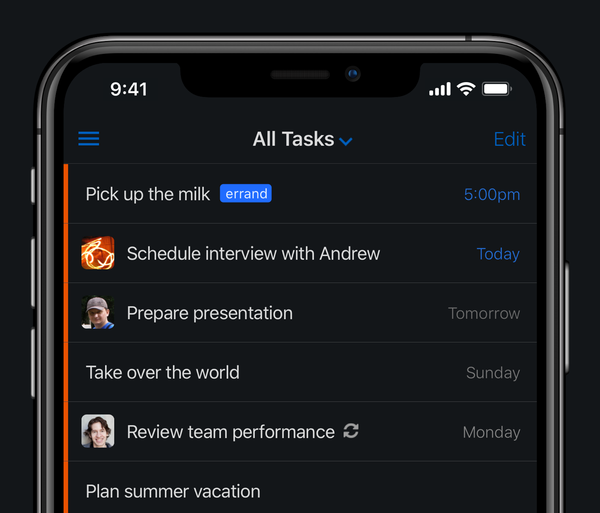
Bob T. Monkey is excited that our latest app update, made specially for iOS 14, is now available on the App Store. The big thing in version 6.0.8? Home Screen widgets!
Available exclusively for Remember The Milk Pro users, these widgets let you see your tasks at a
With Microsoft retiring Wunderlist this week, we’ve been welcoming a whole bunch of new users lately. If you’re new around here, hi 👋
We’ve made it super easy to import your Wunderlist tasks by going to ‘Account Settings’ then ‘Import’ in our web and desktop apps.
If you’
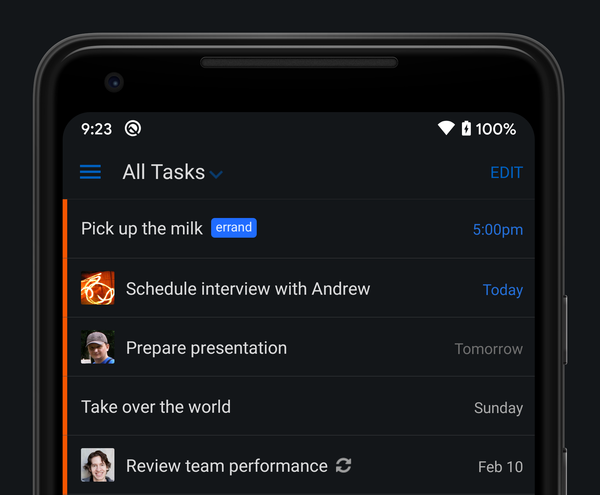
Bob T. Monkey is excited to announce that our latest Android app update includes support for Dark theme. It’s perfect for low-light environments (there’s always one task that Bob remembers just before he drifts off to sleep), and it’s great during the day, too. As a
A little background
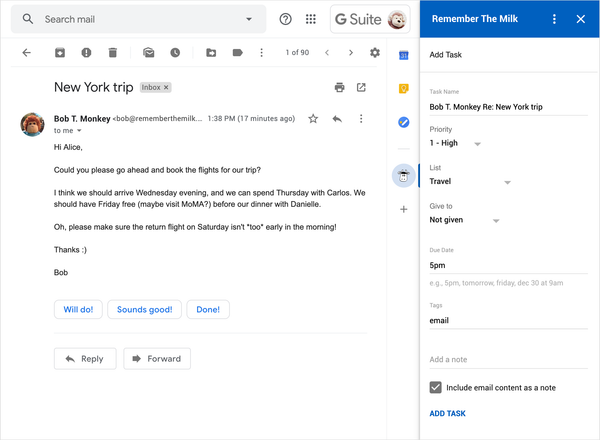
Way back in 2007, we launched the first Remember The Milk for Gmail — a browser add-on that allowed you to manage your tasks in Gmail. Google provided an experimental API that made this possible (thanks, Google!), but as anyone who used the add-on might remember,
Over the weekend, we celebrated fourteen years since we launched Remember The Milk. Bob T. Monkey devoured a generous slice of chocolate cake to mark the occasion (little known fact: Bob likes chocolate almost as much as he likes bananas).
A ginormous thank you to everyone who’s supported us
Bob T. Monkey is excited that our latest app update, made specially for iOS 13, is now available on the App Store. What’s in version 5.0.5, you ask? These are the big things that Bob said to tell you about:
Support for Dark Mode
Yes, our app
Bob T. Monkey has been coding away to bring you some new options for our Action for Google Assistant. Here’s what’s new in the latest update:
Ask Google Assistant to send you reminders
Have your Remember The Milk reminders delivered to your Google Assistant. To set this up,
Our latest Android app update now supports Android Pie, and Bob has squished a bunch of bugs, too. Here’s what you’ll find in version 4.4.14:
* New: The app has been revamped to support Android Pie.
* Fixed: An issue where the widgets wouldn’t update properly on
With our new Action for Google Assistant, let your Assistant help manage your Remember The Milk tasks! Tell your Assistant to remind you, and the task will instantly be added to your list. Ready to get things done? Just ask your Assistant what’s due today. Need some help? Ask