
Tips & Tricks Tuesday: Some awesome ways to use tags for your tasks

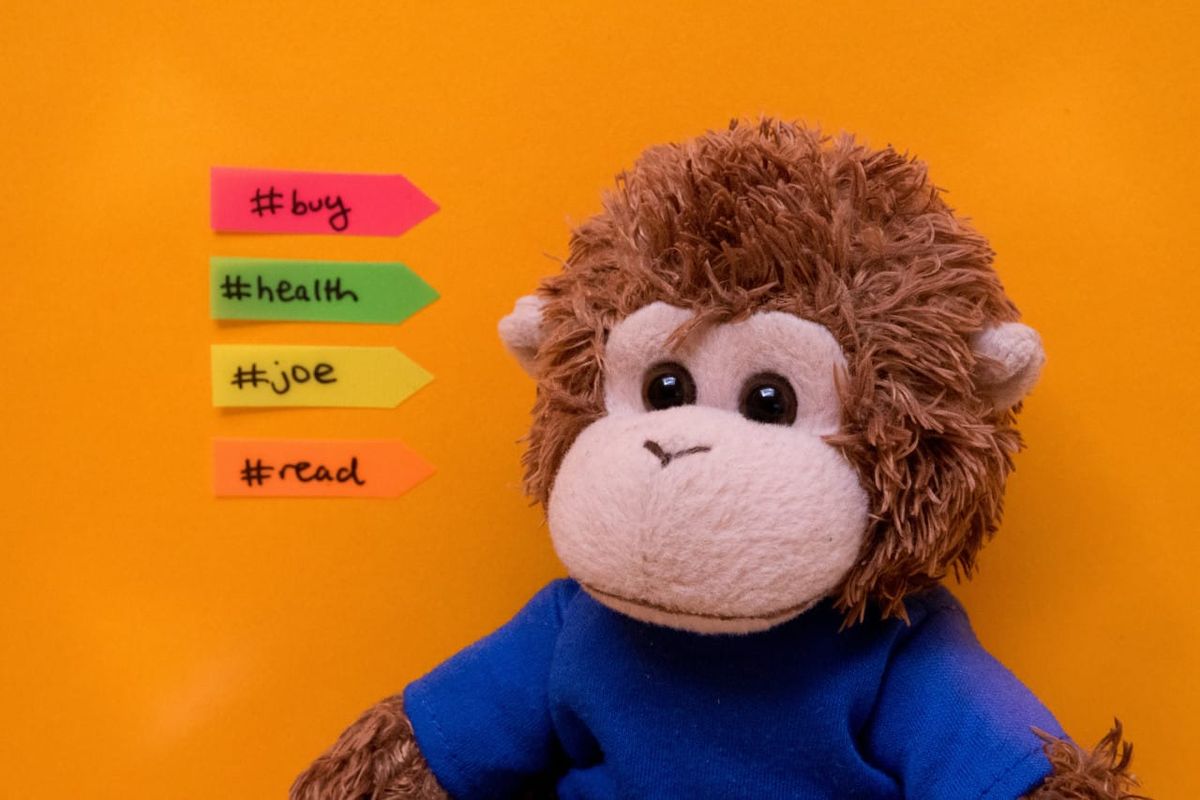
Tags can be a flexible way to organize your tasks, so we’re always interested in how people are using them. This week’s tip, shared by karlicoss, highlights some useful ways of using tags to keep up with friends and family and for managing a variety of tags.
1. For most of my friends I have an RTM tag. If I want to discuss something in person with them, watch a movie, or whatever, I just create a task with the tag #friendname and date ^never (so the task is not cluttering my inbox). Next time I see the friend, I will just go through the tag and ask and arrange everything I wanted.
I also have terrible memory and tend to forget facts about people which might be useful to remember (job, age, education, etc). Logging this kind of information in RTM with the tag corresponding to the person helps me to avoid apologizing later for bad memory and asking the same things twice.
2. Some tags are very common, for me it is buy, read, health. They occupy screen space, being kinda distracting. I shorten them to b, r, h, that looks way cleaner.
3. Say you went on a ski trip, and you had a tag for it ski-march-17. Once you’re finished with the trip, the tag is not relevant to you anymore, but still shows up on ‘Tags’ list and distracts you from relevant tags. You could delete the tag, but what if you want to review the completed tasks under this tag when you go skiing next year? If you have this issue, just rename the tag to something like zzz-ski-march-17. That way, irrelevant tags will always be at the bottom due to alphabetical order!
You can do same to bump tags up: rename some-tag to _some-tag, that way it will always be on top of your tags list. Thanks to Favorites though, it’s not that useful anymore.
Thanks for sharing these tips, karlicoss! You’re our Tips & Tricks Tuesday winner this week.
Do you have a suggestion for our weekly Tips & Tricks post? Got an interesting set-up or idea? Head over to the Tips & Tricks forum, add a new topic, and let us know how you use Remember The Milk. Each week we’ll give away a 1 year Pro account to the user whose idea inspires the Tips & Tricks Tuesday blog post for that week.



