
Tips & Tricks Tuesday: Using Remember The Milk to set up GTD

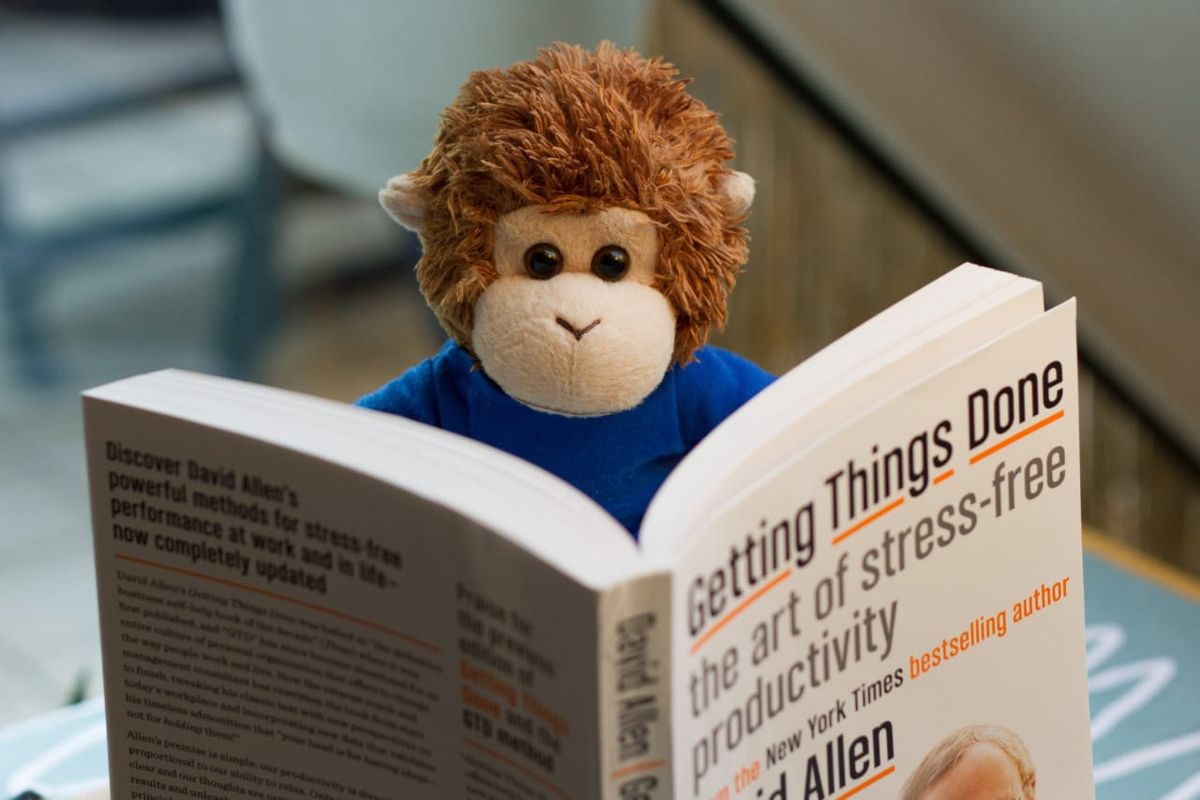
A perennial favorite has been a classic post about setting up GTD in Remember The Milk. After this year’s big update we thought it would be good to highlight a new method. jpuphill shares how you can use subtasks and start dates alongside other Remember The Milk features to, well, get things done.
First of all, I would like to say how helpful this forum has been in helping me come up this approach. I have read so many posts and learnt so much about how people use RTM. I wanted to give something back and so am posting how I have mapped GTD to RTM.
Use Lists for Areas of Focus
I use lists to categorise every task, e.g.
• Family
• Friends
• Personal
• Work
N.B. Having all work related tasks in the Work list allows me to easily include/exclude work tasks from Smart Lists.
Use Locations for Contexts
I use either the real location or for virtual locations, I use somewhere I would never be, e.g.
• calls - Arctic Ocean (i.e. nowhere you would ever be)
• computer - Arctic Ocean (i.e. nowhere you would ever be)
• errands - Arctic Ocean (i.e. nowhere you would ever be)
• home - Real Location
• office - Real Location
Use Tags for non-Scheduled GTD status
• next - Next Action
• wait - Waiting For
• someday - Someday / Maybe
Use Due Date for Scheduled GTD status
• 11/20/2016 - Scheduled
Creating Projects
All tasks with subtasks are regarded as projects and not tasks in themselves.
Creating Tasks
1. Add list to task (e.g. Personal, Work)
2. Add location to task (e.g. computer, office)
3. Add priority to task
4. Add GTD status tag (e.g. next) and/or due date
Use Smart Lists for Narrowing Focus
All ProjectshasSubtasks:true
All Tasksnot list:"All Projects"
Classifylist:Inbox or (list:"All Tasks" and isLocated:false) or (start:never and due:never and not (list:"All Projects" or isSubtask:true or tag:next or tag:wait or tag:someday)) or ((tag:next and tag:wait) or (tag:wait and tag:someday) or (tag:next and tag:someday)) or ((tag:next or tag:someday) and not start:never)
(N.B. This list is used to capture tasks that have yet to be classified or are incorrectly classified)
Completedstatus:completed
Due TodaydueBefore:tomorrow
Due Tomorrowdue:tomorrow
Due WeekdueBefore:monday
Due Week Nextdue:monday or (dueAfter:monday and dueBefore:"next monday")
Nextnot (tag:wait or tag:someday) and (tag:next or startBefore:tomorrow or dueBefore:tomorrow)
Next - Personallist:Next and not list:Work
Next - Worklist:Next and list:Work
Schedulednot due:never and status:incomplete
(N.B. This list’s iCalendar (Events) is subscribed to in Google Calendar)
Somedaytag:someday
Someday - Personallist:Someday and not list:Work
Someday - Worklist:Someday and list:Work
Waitingtag:wait
Waiting - Personallist:Waiting and not list:Work
Waiting - Worklist:Waiting and list:Work
@Contextlist:Next and location:context
(N.B. There is an instance of this list for every context)
Thanks for sharing this tip, jpuphill! You’re our Tips & Tricks Tuesday winner this week.
Do you have a suggestion for our weekly Tips & Tricks post? Got an interesting set-up or idea? Head over to the Tips & Tricks forum, add a new topic, and let us know how you use Remember The Milk. Each week we’ll give away a 1 year Pro account to the user whose idea inspires the Tips & Tricks Tuesday blog post for that week.



