
Tips & Tricks Tuesday: Use Smart Lists to catch any tasks that need some extra organization

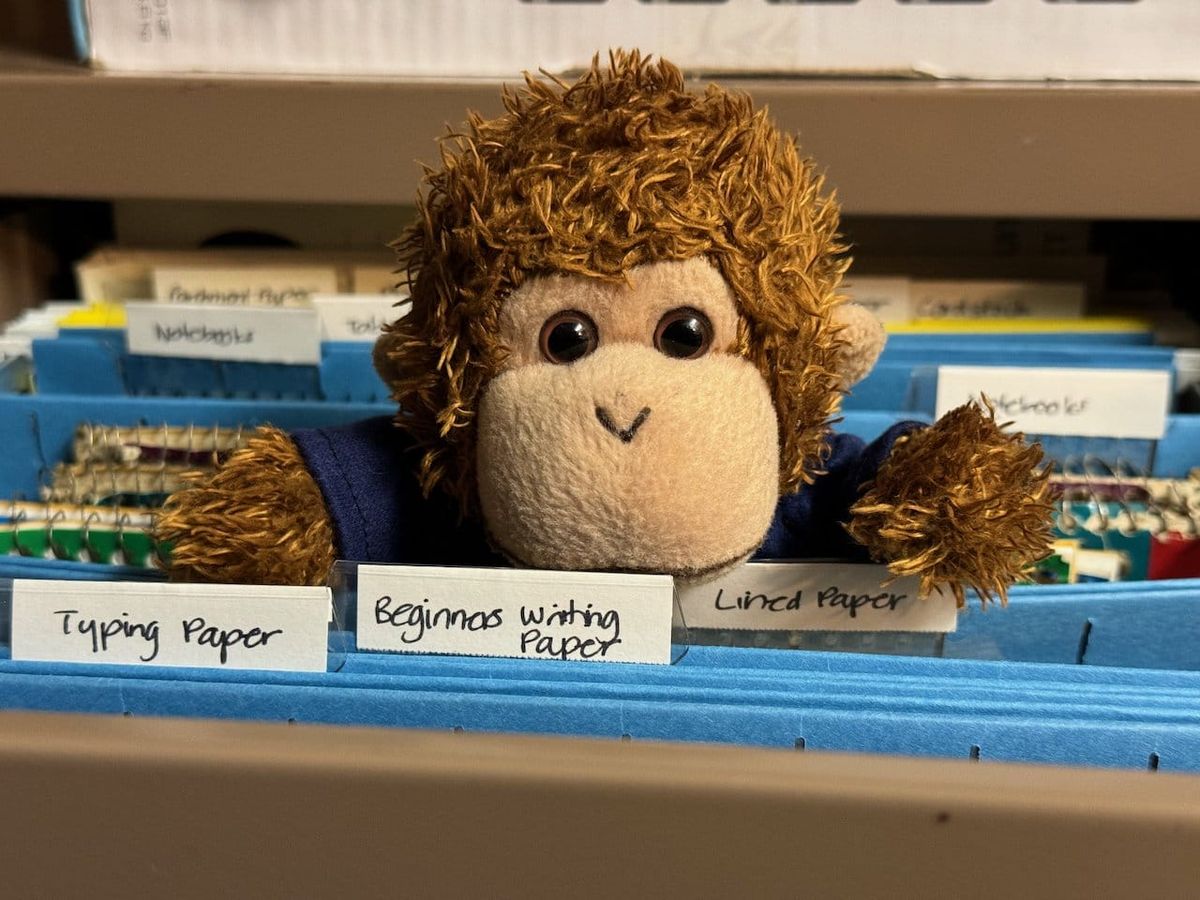
When you get your organization all lined up, it’s possible to miss a beat if you forget to organize a task.
This week’s tip is a team-up between jondcoleman and raymond.bergmark: don’t forget about your Inbox tasks! And also make sure you organize your tasks exactly the way you want by checking a Smart List you make just for that purpose. Here’s to easier organization! 😎
jondcoleman begins:
My default list is the standard “Inbox” list but I don’t intend to leave anything in there permanently. Anything in the Inbox should be moved to another list (most commonly, Personal or Work). But I had a problem forgetting to process what was in the Inbox.
So what I have now is two Smart Lists for Personal and Work, each of which contains the tasks from the respective list AND Inbox.
Personal Smart List filter is (list:Work OR list:Inbox)
Work Smart List filter is (list:Personal OR list:Inbox)
That way, either list I’m looking at (I don’t usually look at my Work list on the weekends, for example), I can see the new tasks and move them.
raymond.bergmark continues:
I have created a check Smart List “Check”, used to make sure that all new tasks get the meta information my system uses, with tags and locations, and not left in Inbox.
Smart List Check: list:Inbox OR isTagged:false OR isLocated:false
As Smart Lists can incorporate other Smart Lists in their search criteria, an “AtWork” Smart List could be:
Smart List AtWork: list:Work OR list:Check
Thanks for sharing your tips, jondcoleman and raymond.bergmark! You’re our Tips & Tricks Tuesday winners this week.
Do you have a suggestion for our weekly Tips & Tricks post? Got an interesting set-up or idea? Head over to the Tips & Tricks forum, add a new topic, and let us know how you use Remember The Milk. Each week we’ll give away a 1 year Pro account to the user whose idea inspires the Tips & Tricks Tuesday blog post for that week.



