
Tips & Tricks Tuesday: Organize your projects with a Smart List

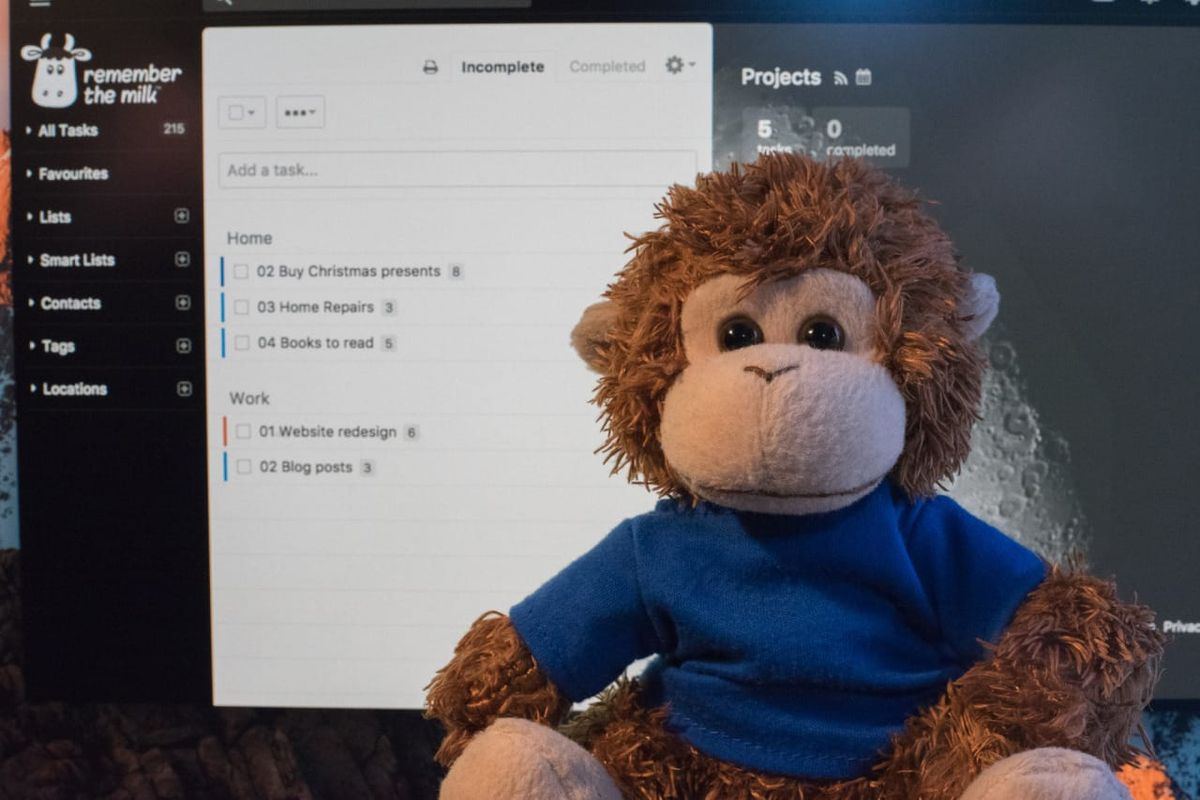
Subtasks are handy for organizing sets of tasks, and many people use these for projects + project tasks. What about organizing those sets of tasks though? In a post about prioritizing tasks overall, jordy1971 shares a novel tip about making a Smart List for these groups of tasks. What a great way to keep things organized overall!
The number and complexity of projects I have increased lately, and that got me to thinking of how I can more effectively prioritize them. I define a project as a Remember The Milk task that has subtasks. That brings me to the first step in my setup. I created a Smart List called “All Projects” defined with the following criteria:hasSubtasks:true AND NOT tag:someday
I sort the list by Priority and then by Task Name and group by Location (I use few locations, most critically one for work and one for home). So now, I have parsed out my personal and professional projects into distinct groups. Next comes prioritization.
Currently, RTM only supports four priorities – 1, 2, 3, and nothing. I want more finely grained prioritization than that, so here is what I do. I use the RTM priorities for broad categorization. Priority 1 is for critical projects that could have a serious effect on revenue, customer service, or the health and safety of my family. Priority 2 covers important things that might have a hard, looming deadline but not as life threatening as Priority 1. Priority 3 and Nothing, of course, are buckets for everything else. Even lower than a Nothing priority is my dreaded “someday” tag, which effectively flushes the project down the memory hole.
Now that the projects are sorted into broad groups, I further rank the projects by prefixing the task name with a two-digit number like 01, 02, 03, etc. For me, this two-character prefix isn’t too distracting, especially since projects don’t clutter up my other Smart Lists as I have defined them. Since RTM sorts numbers before letters in task names, my Smart List stays sorted from most to least important no matter how many projects I have. (Thinking about it, the RTM priorities could be done away with and just the task names used. Or tags. Whatever.) But with this setup, the choice of where to put my energy is obvious.
When priorities change, shuffling things around isn’t too difficult. Fiddling with a project’s RTM priorities and task names isn’t hard, even on the mobile app.
Thanks for sharing this tip, jordy1971! You’re our Tips & Tricks Tuesday winner this week.
Do you have a suggestion for our weekly Tips & Tricks post? Got an interesting set-up or idea? Head over to the Tips & Tricks forum, add a new topic, and let us know how you use Remember The Milk. Each week we’ll give away a 1 year Pro account to the user whose idea inspires the Tips & Tricks Tuesday blog post for that week.



