
Tips & Tricks Tuesday: Getting Things Done with Smart Lists

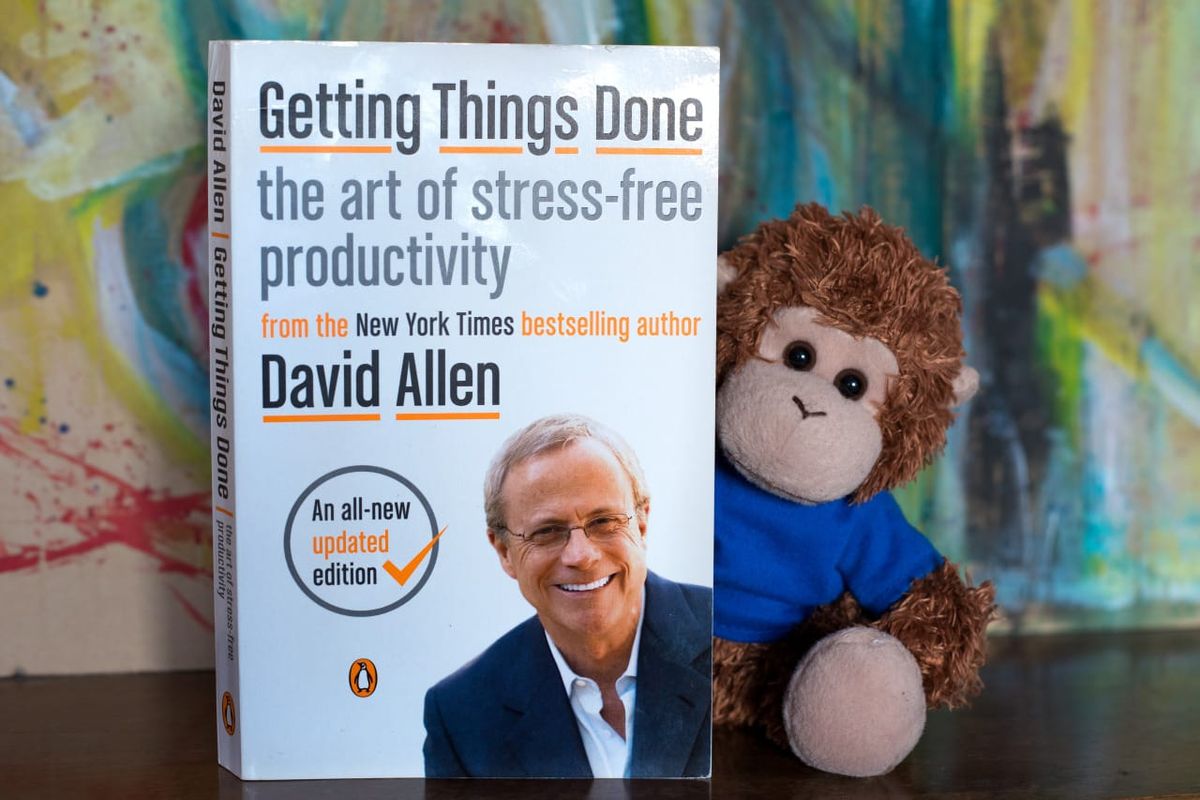
Getting Things Done (GTD) is a great setup to help you see only what you can do at any given time, and what better way to set that up in Remember The Milk than with Smart Lists? kariwhit shares this week’s tip about a streamlined setup using tags and start dates to set up a few Smart Lists for viewing specific GTD contexts.
I’m new here at RTM, and I am loving Smart Lists to set up my GTD system. I have been able to create lists to filter out all my tasks that:
• I cannot start yet
• I don’t want to start yet (do someday)
• Items I have in RTM for reference only
The items with future start dates will automatically show up in my list on the start date I have assigned.
Most of the time I want to look at what I can do now, based on whether I am at work, in front of the computer, or doing housework, for example. In GTD, these are called contexts. I have tags for each of my contexts (@computer, @phone, @home, @work, @errands). I created Smart Lists to filter for these contexts too!
I have my Next Actions list - all my tasks that can be worked on, any context. This filters out any tasks that have a future start date or are tagged someday or reference. I don’t create a start date for every task, but there are certain tasks that I can’t do now, and I want to remember to do them when the time is right.
Here’s my search query for all my Next Actions:startBefore:Today OR start:Today OR start:never NOT tag:someday NOT tag:reference
In addition to filtering out any tasks that have future start dates, someday or reference tags, I filter by context, so I can really focus on what needs to be done depending on time and place.
Here’s my search query for my @computer context:startBefore:Today OR start:Today OR start:never NOT tag:someday NOT tag:reference AND tag:@computer
I haven’t used locations much yet, but I am excited to see how that can fit in too!
Thanks for sharing this tip, kariwhit! You’re our Tips & Tricks Tuesday winner this week.
Do you have a suggestion for our weekly Tips & Tricks post? Got an interesting set-up or idea? Head over to the Tips & Tricks forum, add a new topic, and let us know how you use Remember The Milk. Each week we’ll give away a 1 year Pro account to the user whose idea inspires the Tips & Tricks Tuesday blog post for that week.



