
Tips & Tricks Tuesday: A clear and manageable GTD setup

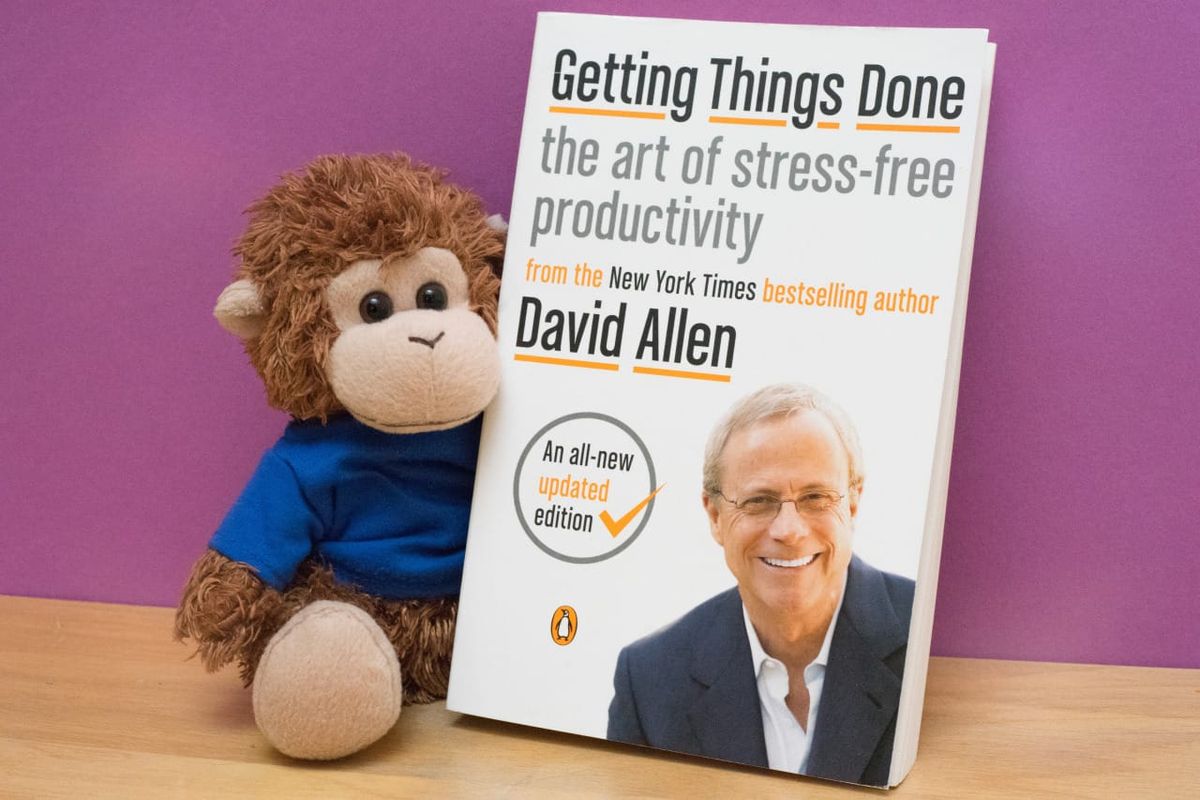
Getting Things Done (GTD) is a straightforward framework, but it often leads to interesting and different results. We love hearing about people’s setups, and this week we’re featuring dilanyan.maxim’s GTD setup which uses some clear rules and guidelines for setting up comprehensive organization without a lot of upkeep.
I’ve used RTM every day for more than a year. I’ve tried a lot of GTD implementations and came up with this simple yet powerful system. Currently I have 128 tasks, 11 goals, and 5 projects in RTM.
Main goals of this system:
• Simple. Less is better: few lists, few tags, few places. Before creating a new list or tag, think twice.
• Automation. Time needed to keep the system in order is minimal.
• Action-based. No more thinking about what to do first, one action comes after another.
Let’s get started.
I. Create lists
• Tasks: actionable items. Example: Reading 30 minutes everyday
• Waiting: delegated task. Always starts with the person’s name. Example: Mike\Buy tickets
• Goals: our dreams and goals for the week/month/year/life. Stay healthy, earn $1,000,000 this month, etc.
• Ideas: great ideas that need incubation. Example: Write Titanic 2 scenario
• (optional) I have these lists: Reading, Movies, Grocery list. It’s up to you where to keep these kinds of things, I just prefer RTM. These are not tasks!
II. Fill the lists
Rule 0. Don’t put everything into lists. Yes, you heard me right, don’t put every task into RTM. Think twice, shall you even bother doing this stuff? Learn to say “NO”. I reduced my tasks list from 400+ tasks to just 128 by deleting things that don’t matter.
Rule 1. All actions go into the “Tasks” list. No more lists for every project.
Rule 2. No priorities. They don’t make sense. The highest priority task in one Smart List becomes the lowest priority in another. You’ll end up having all tasks !1 priority, so just don’t use them.
Rule 3. Dates are very important. Start date is the date when you should get the task into action or put the task into the future. Due date is the date when the task must be done. Or the world will collapse. Don’t use “fake due dates” - just because you want that task to be done on that day doesn’t mean it should have a due date. Active tasks are the tasks that have a start date before tomorrow.
Rule 4. No more than 3 tags. I use tags to assign tasks to projects. Don’t create a massive tag cloud. If a tag contains less than 3 items, do you really need this tag?
Rule 5. Choose good task names: 3-4 words, actionable, starts with verb or person\verb. Google S.M.A.R.T. model.
III. Create Smart Lists
OVERDUE
Overdue tasks. If you see tasks in this list every day maybe you should rethink your routine and time management. 1-2 tasks occasionally is okay.dueBefore:Today
Due 0d
Active* tasks that must be done today or are overdue.due:Today OR dueBefore:Today
Due 1d
Active tasks that are due tomorrow.due:Tomorrow AND startBefore:Tomorrow
Due 3d
Active tasks that have started and I have 4 days to complete them.startBefore:Tomorrow AND dueAfter:Tomorrow AND dueWithin:"4 day of Today"
You get my point. I use 0-1-3-6-10 days intervals in “Due Xd” Smart Lists.
Due 0m
Active tasks that are due this month.startBefore:Tomorrow and dueBefore:"next month"
Due 999+
Active tasks that have due dates. Collects all tasks that are in progress and have a deadline.startBefore:Tomorrow and not due:never
ASAP
As soon as possible. From 99+ tasks without due dates, you choose 5-10 and assign them with “next” tag.startBefore:Tomorrow AND (tag:next OR priority:1)
(Yeah, I said don’t use priorities, but in case you did.)
NEXT
Active tasks, don’t have due date.startBefore:Tomorrow AND due:never
MAYBE
Tasks without start and due dates. Maybe will be done. Usually never done.start:never
(optional)
Repeating
Informational list. Just to know which tasks repeat.isRepeating:true
Starts in 7d
Informational list that I use to look at upcoming tasks.startWithin:"7 days of tomorrow"
IV. Process tasks in this strict order every day
1. OVERDUE: Do them now or reschedule! This list should contain 0 items before continuing.
2. Due 0-1-3-… Deadlines won’t wait. We should work on tasks for today, when they get done - for tomorrow and so on.
3. ASAP: When all tasks with deadlines are done or we can’t process anything from previous lists.
4. NEXT: Choose items to work on next. Maybe assign them “next” tag to move into ASAP list.
That’s all. Add a new task, assign start/due date if needed, and it will pop up in the appropriate Smart List. No tasks get lost, everything is in control.
Thanks for sharing this tip, dilanyan.maxim! You’re our Tips & Tricks Tuesday winner this week.
Do you have a suggestion for our weekly Tips & Tricks post? Got an interesting set-up or idea? Head over to the Tips & Tricks forum, add a new topic, and let us know how you use Remember The Milk. Each week we’ll give away a 1 year Pro account to the user whose idea inspires the Tips & Tricks Tuesday blog post for that week.



