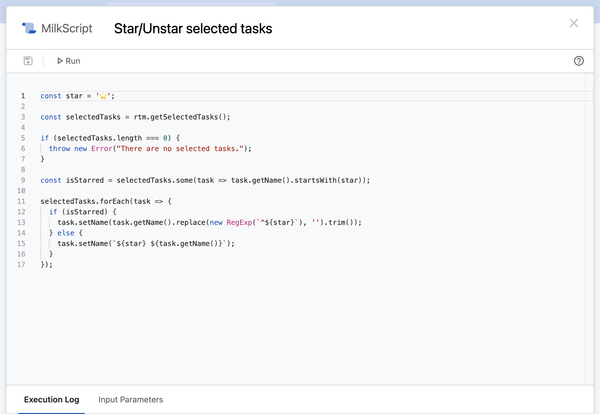
We’re thrilled to share that MilkScript is here! One of those features we’ve dreamed about for a long time, MilkScript lets you create scripts to automate certain actions, whether you want to create a series of tasks, to act on existing tasks, or to generate information based on
Sixteen years ago today, we released Remember The Milk into the wild. How on earth are we sixteen already?! Whether you’ve been with us since the beginning, or you’re new to this thing, thank you all for using Remember The Milk!
Of course, we’d like to say
If you’re lucky enough to be getting one of Apple’s new M1-powered Macs, this update is for you! With version 1.3.0, we’ve updated our app to support Apple silicon. Remember The Milk for Mac now runs smoothly on both Apple silicon and Intel-based
If you’re not already familiar with Zapier, it’s an awesome service that makes it easy to connect the apps that you use every day. We’re excited to announce that Remember The Milk for Zapier is now available, exclusively for Pro users.
With Zapier, you can create your
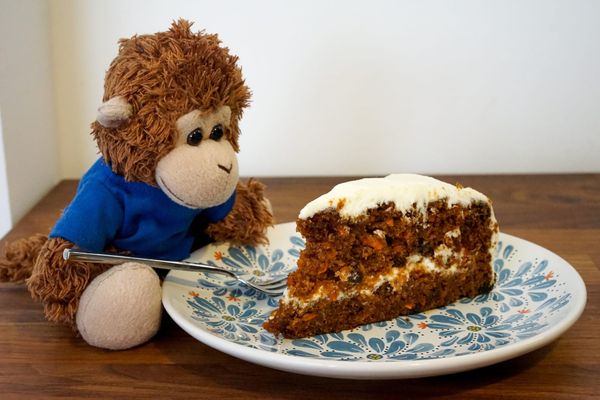
Yes, somehow it’s been fifteen years since we launched Remember The Milk! Amazingly, Bob T. Monkey hasn’t changed a bit. He celebrated our birthday over the weekend with a delicious slice of carrot cake (probably his second favorite baked good, after banana bread).
We want to say a
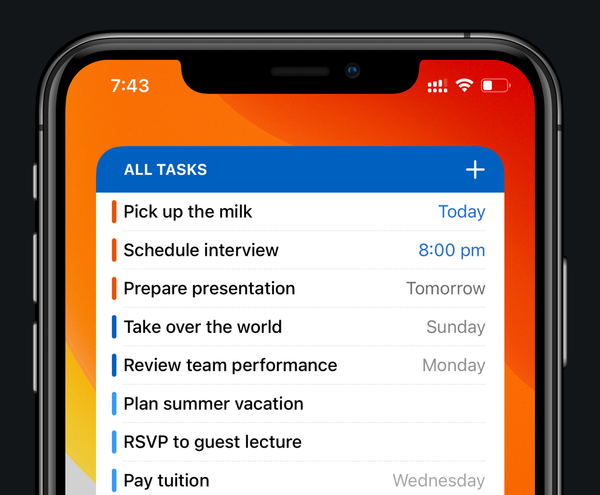
Bob T. Monkey is excited that our latest app update, made specially for iOS 14, is now available on the App Store. The big thing in version 6.0.8? Home Screen widgets!
Available exclusively for Remember The Milk Pro users, these widgets let you see your tasks at a
With Microsoft retiring Wunderlist this week, we’ve been welcoming a whole bunch of new users lately. If you’re new around here, hi 👋
We’ve made it super easy to import your Wunderlist tasks by going to ‘Account Settings’ then ‘Import’ in our web and desktop apps.
If you’
Using iOS Shortcuts can be a powerful way to do some custom things with your tasks.
This week’s tip—tips!—is pszaro showing three different ways to use Shortcuts: to add tasks from webpages, to show upcoming tasks quickly, and to complete a repeating task when doing something else.
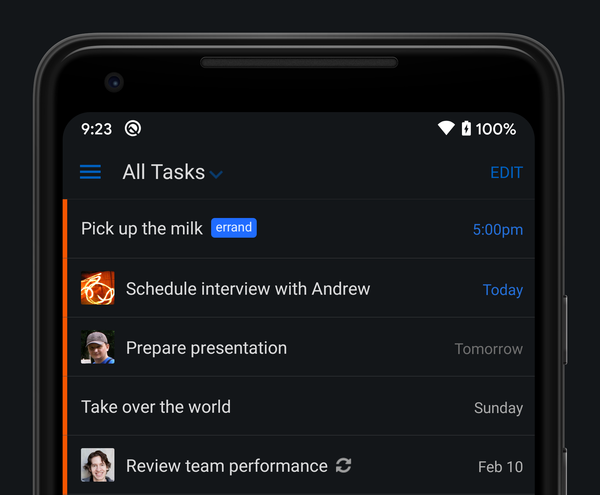
Bob T. Monkey is excited to announce that our latest Android app update includes support for Dark theme. It’s perfect for low-light environments (there’s always one task that Bob remembers just before he drifts off to sleep), and it’s great during the day, too. As a
Using iOS Shortcuts is a helpful way to automate regular actions. This week’s tip comes from mirbogat, who uses the home screen icons to have one-touch access to adding grocery items to their list.
I’m really enjoying the new Shortcuts integration, it’s been truly amazing for
Meal planning and grocery shopping can be a lot of work. This week’s tip comes from kerrpe, who shares a neat setup of meal planning that then generates an organized list for the grocery store.
I haven’t seen any recipe / grocery suggestions in a long time, so I’
We’ve discussed GTD on the blog before. One of the main ways you stay organized is by reviewing tasks regularly.
evan.fredericks didn’t find that part helpful, so they came up with a new way of reviewing tasks more easily and regularly on your task list. Their tip